Revolutionizing Property Management
Rentor connects property owners, managers, and tenants in one seamless platform. List properties, manage applications, and find your perfect rental - all in one place.
⚠️ Beta Testing Phase: Rentor is currently in active development. Some features may not work as expected, and you may encounter bugs. We appreciate your patience and feedback!
How will you use Rentor?
Choose your role to get started. Each account is tailored to exactly what you need.
I own properties
List your properties, add units, manage tenants directly, track rent, and monitor your portfolio — all in one place.
- Add unlimited properties & units
- Manage tenants & leases
- Track payments & finances
- Public listing on Rentor marketplace
I manage properties
Manage multiple properties on behalf of owners. Handle tenants, maintenance, payments, and reporting — all from one dashboard.
- Manage multiple owner portfolios
- Full tenant & lease management
- Maintenance request tracking
- Generate owner & financial reports
| Feature | Landlord | Manager |
|---|---|---|
| Add & own properties | ||
| Manage properties for owners | ||
| Add & manage units | ||
| Add & manage tenants | ||
| Create lease agreements | ||
| Track rent payments | ||
| Handle maintenance requests | ||
| Generate financial reports | ||
| Multi-owner portfolio view | ||
| Public marketplace listing | ||
| Featured property listing | Admin only | Admin only |
🚀 Get Started in 3 Simple Steps
Follow these steps to set up your property management system
Create Your Account
Sign up as a Landlord or Property Manager and get instant access to your dashboard
Add Properties & Units
List your properties, add units, set rent amounts, and upload images
Manage Tenants & Leases
Add tenants, create leases, track payments, and manage maintenance
📋 Detailed Setup Guide
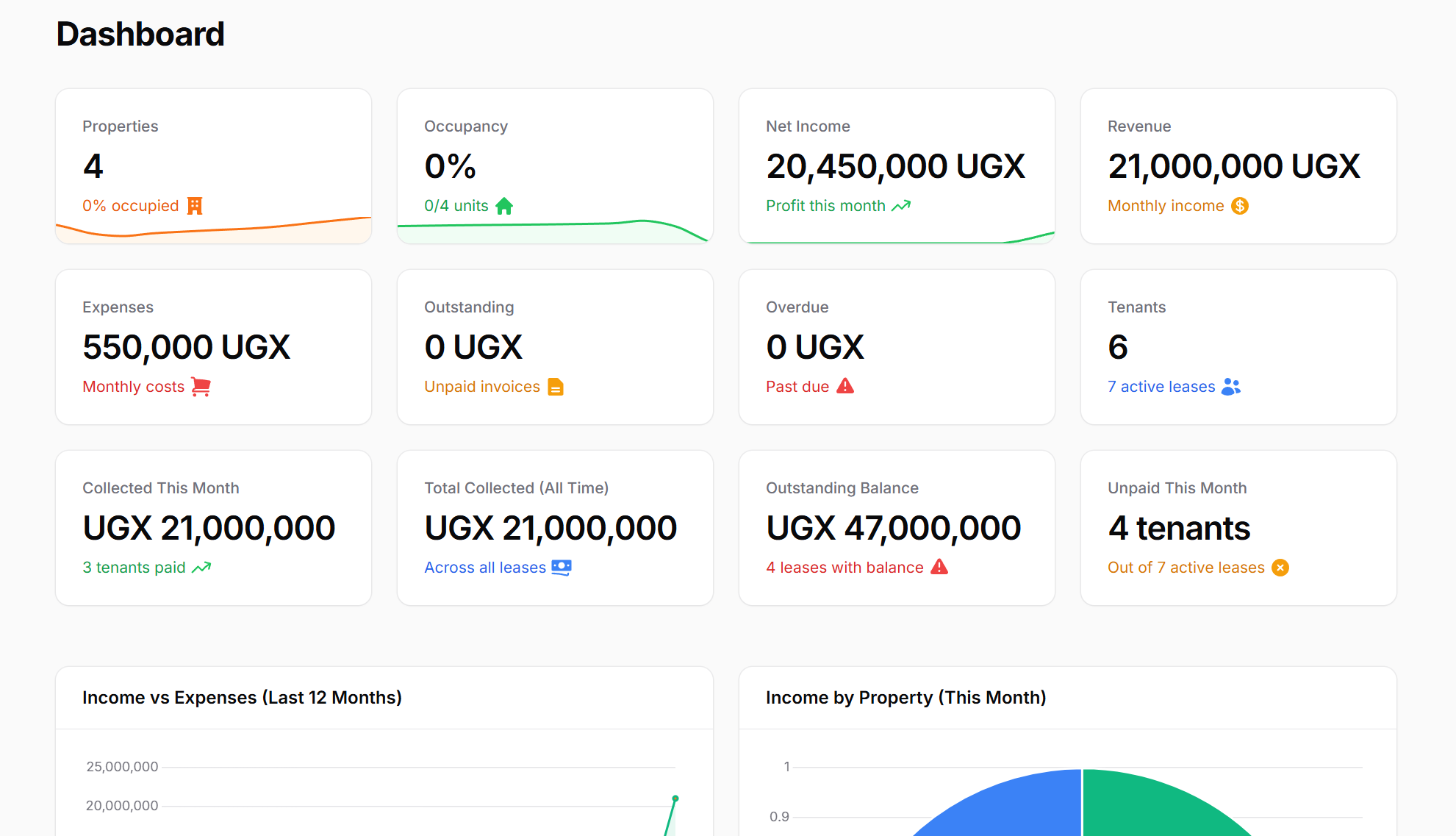
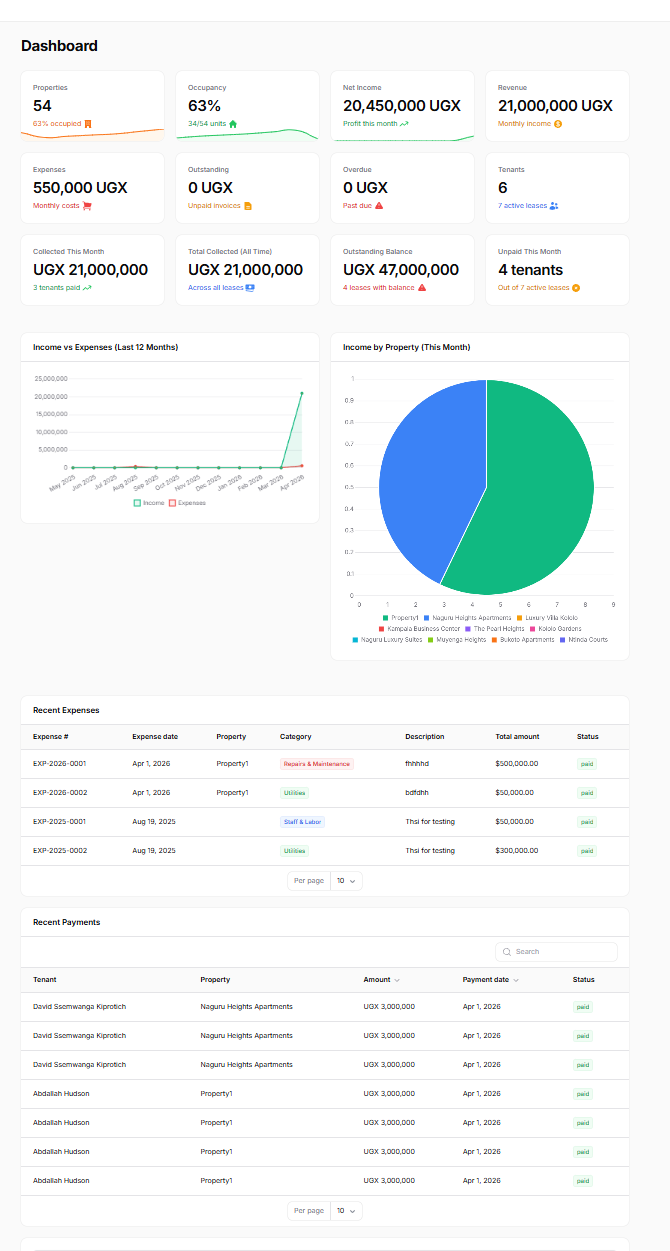
📊 Powerful Dashboard at Your Fingertips
Everything you need to manage your properties from one central dashboard
Property Management
Manage properties, units, and occupancy rates
Tenant Management
Track tenants, leases, and payment history
Financial Reports
Income, expenses, and profit analysis
Maintenance
Track and manage maintenance requests
Powerful Features
Tools designed to simplify property management for owners, managers, and tenants.
Online Applications
Tenants apply in minutes, landlords review instantly from anywhere.
Rent Payments
Secure online payments with reminders and instant confirmations.
Maintenance Tracking
Submit, track, and resolve repair requests quickly and transparently.
Smart Analytics
Gain insights into your rental portfolio with clear dashboards.
🗺️ Complete System Navigation
Everything organized for easy access
Dashboard
Quick overview of your property management metrics
Users & Tenants
Manage system users, tenants, and lease agreements
Property Management
Properties, units, and maintenance requests
Financial Management
Expenses, invoices, and financial reports
Rent & Billing
Rent tracking, payments, and billing management
Reports
Owner reports, rent collection, and expense analysis
Frequently Asked Questions
Quick answers to common questions about Rentor.
What's the difference between a Landlord and a Manager account?
A Landlord owns properties and manages them directly. A Manager manages properties on behalf of one or more owners — ideal for property management companies.
How do I get started with Rentor?
Simply register as a Landlord or Manager above, then follow our 3-step setup guide to add properties, units, and tenants.
Is Rentor free to use?
Yes! Rentor is free during our beta period. Paid plans will launch soon.
Can tenants pay rent through Rentor?
Not yet, but this feature is coming soon!
How secure is my data?
We use industry-standard encryption to keep all user data safe.

🚀 Join Our Beta Program
Experience Rentor before anyone else! Access all features free for 3 weeks during our beta launch.
Limited spots available before official launch.
Your Dream Rental Home, Just a Click Away
Explore a wide selection of rental properties online. Fast, easy, and designed to make your move stress-free.
Browse PropertiesFeatured Rentals
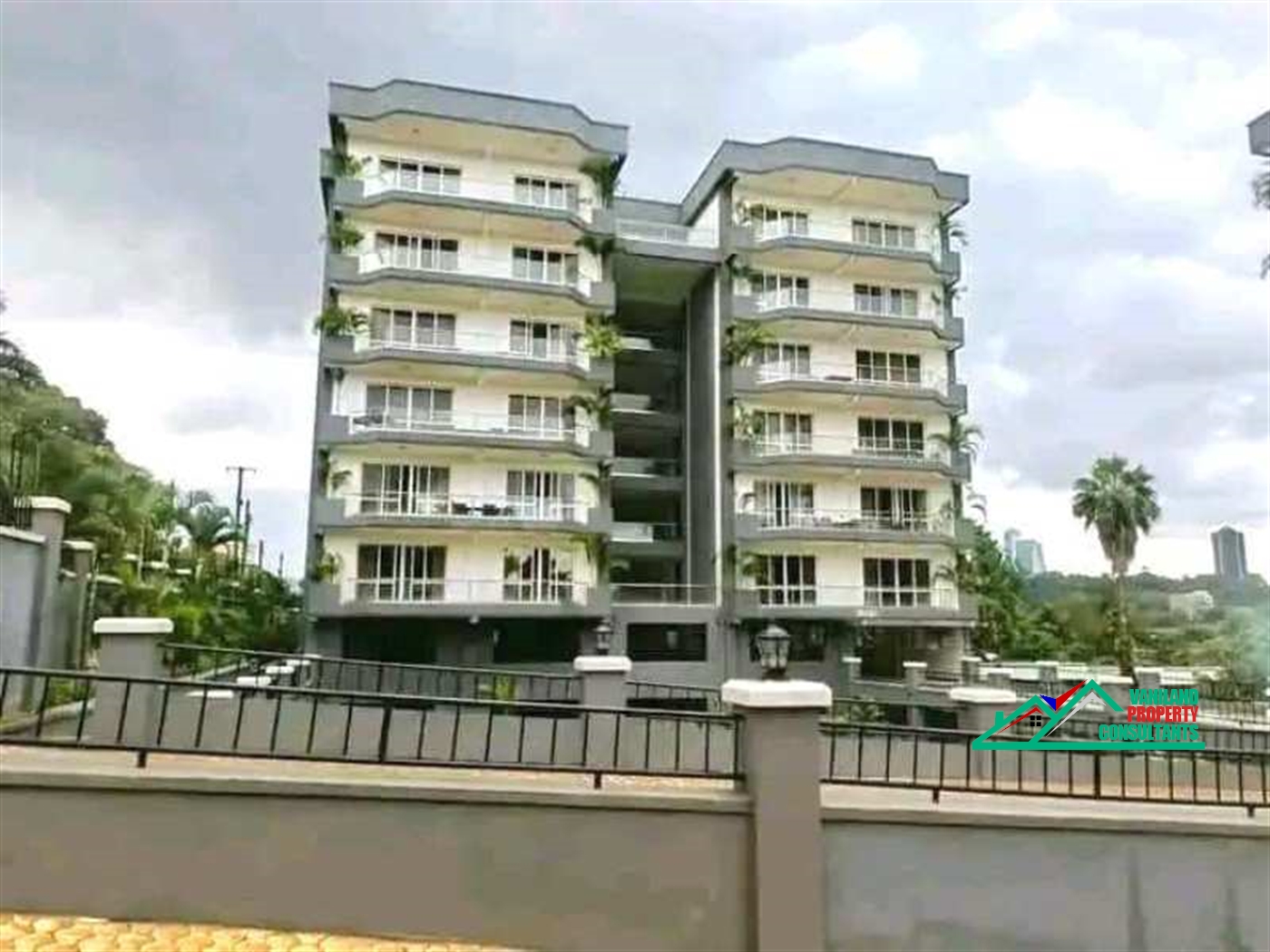
Check out some of the latest properties available for rent.
 Featured
Partially occupied
Featured
Partially occupied
 Featured
Partially occupied
Featured
Partially occupied
 Featured
Partially occupied
Featured
Partially occupied
Meet the Rentor Team
We're a small but passionate group working hard to bring fresh ideas to property management.
Founders
Driven entrepreneurs shaping Rentor's vision
Developers
Building tools that make property management simple
Property Specialists
Bringing rental market know-how to guide our features
Customer Care
Real people ready to help whenever you need us